
Large 360° photos load faster, and you choose how sharp they look
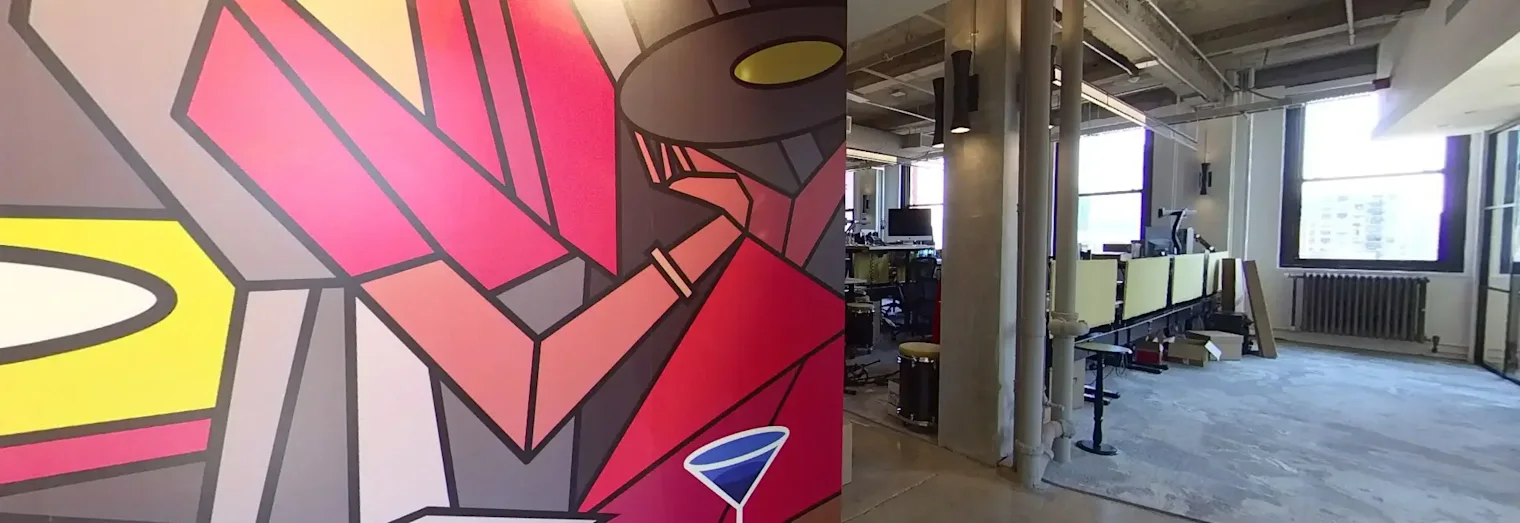
360° cameras keep getting sharper, and their photos keep getting bigger. Release 12.4 makes sure those photos open quickly on every screen.
Big photos, fast on every device
When you upload a very large 360° photo, Orbix360 now also makes smaller display copies of it. Phones and tablets load a copy sized for their screen, and computers and VR headsets load a sharper one. Your original is always kept as you uploaded it, and Download → Original Image still gives you the full file.
Visitors see the first view of your tour sooner, especially on mobile data, and nothing changes in how you make tours.
Show your photos at full size
Some tours deserve every pixel: a detailed facade, a piece of art, a construction record. For a tour on Pro or Premium Tour, you can now choose how sharp each photo looks on computers and VR headsets:
Standard: the sharp display copy (the default).
Full size: your original photo, every pixel.
Custom width: anything in between.
Find it in the editor under Change 360 Photo → Display size. Phones and tablets keep the lighter copy either way, so the tour stays quick on mobile.
See your thumbnail before you set it
In the editor, point at Change Orientation and an outline shows the exact square your tour thumbnail will capture. Turn the view until the outline frames what you want, then click.
Open a tour from My Orbs to try it.