
Solutions for your industry, and tours built by your AI assistant
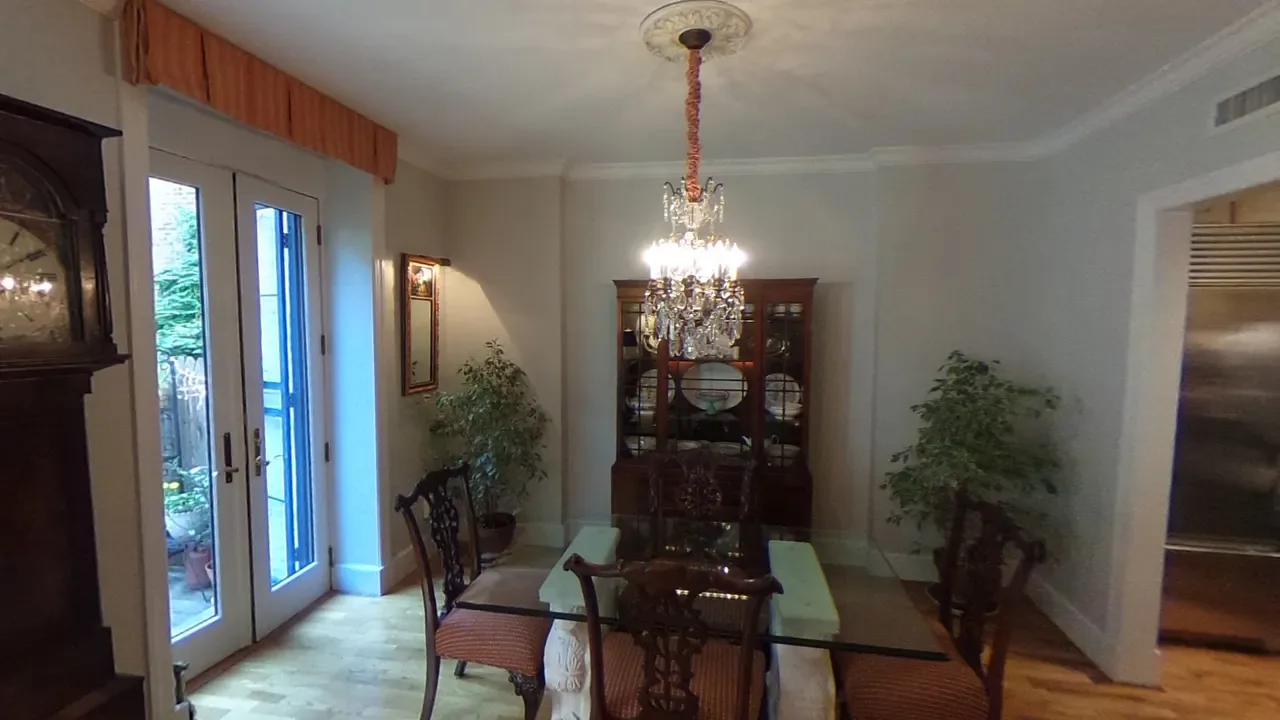
Two new things arrived in October: pages that show how Orbix360 fits your kind of work, and a way to let an AI assistant do the building for you.
Solutions: 360° tours for your kind of work
The new Solutions menu has a page for each of the people who use Orbix360 most:
Real Estate: let buyers walk through a home before they visit.
Architecture & Design: show clients a space as it really feels.
Construction & Facilities: record a site as it stands and share it with the whole team.
Each page explains what a tour does for that job, which features matter most, and which plan fits. You can open real example tours right on the page. Start from the Solutions overview.
Let your AI assistant build the tour
You can now connect an AI assistant such as Claude, ChatGPT or Cursor to your Orbix360 account. Then ask it, in plain words, for what you want:
Make a tour called Lake House from these photos, link the rooms, and add a note about the new kitchen.
The assistant can create a tour, add your 360° photos, name and reorder them, look at each photo, place navigation and info hotspots, choose the view each photo opens on, and give you the share links. It can even add a 360° scene you made with your own AI image generator. It works within your plan, just like you do in the web app, and it cannot buy anything or change your account settings.
Connecting takes a minute: add Orbix360 as a connector in your assistant, sign in, and choose Allow. You can see and disconnect your assistants at any time under Account → AI Tools / MCP.
The developer page, with steps for each assistant and the full list of what it can do
One tip: while your assistant works on a tour, don't edit the same tour in the Orbix360 editor, or one of you will overwrite the other's changes.